
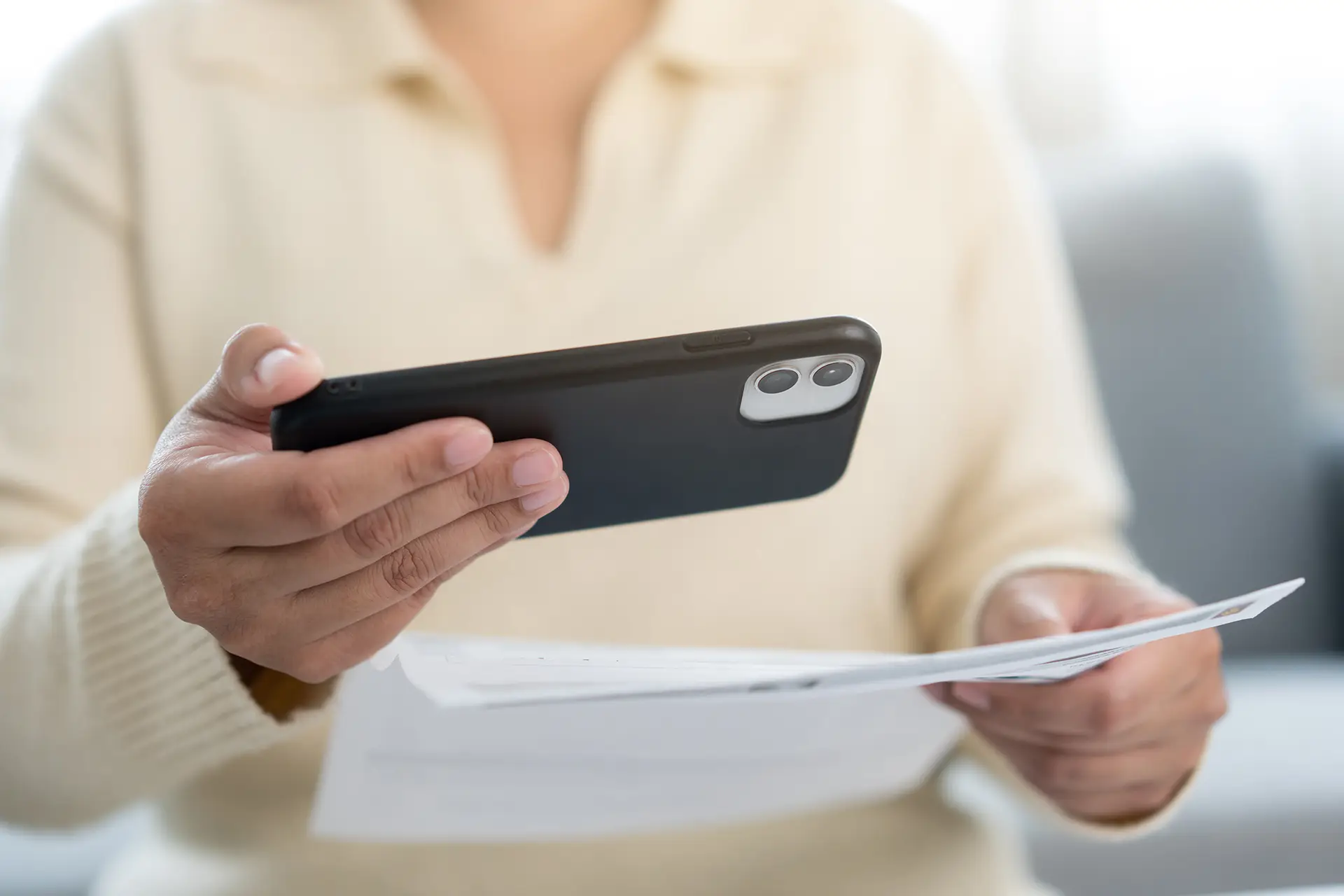
There is something particularly dreadful about a pile of mail, waiting to be read. As vision loss intensifies the difficulty of this, once simple, task. To read the mail, we either have to make the text more readable, or have the text read to us. As a rule, I opt out of paper mail, finding it easier to receive and read mail digitally. If there’s a pile of mail in my mailbox, it’s probably junk, but some days there’s a lot of it, and still it takes time to figure out if something in this mix rises above trash.
At the end of last year, as I created a Social Security account and signed up for Medicare, I also opted in for digital notifications. In this case, it soon became clear that “digital notifications” did not mean “paperless.” The Social Security Administration (SSA) uses email for specific notifications, but primarily relies on snail mail (U.S. Postal Service) for official, sensitive, or legal documents. Emails are generally used to alert you to review notices in your “my Social Security” account. The mail began arriving at a rapid pace, and as I attempted to keep up with it using my favorite document reading apps like Be My AI, Seeing AI and Access AI, I quickly realized I was sharing personal information that included my full Social Security number, name, address, and date of birth.
The general consensus in AI guidelines is clear — Don’t Share Your Personal Information. It increases your exposure to data leaks, security breeches, fraud and identity theft. Protecting your privacy in this context, is within your control. The AI accessibility apps agree.
Be My Eyes privacy policy and terms of service warns, it is generally not recommended to use Be My AI for highly sensitive or confidential documents, such as financial records, passwords, or government IDs. While the company takes measures to protect data, the service involves transmitting photos to third-party servers, which introduces risk.
In the Aira Access AI data protection policies and FAQ, the company explicitly prohibits the inclusion of Personally Identifiable Information in its AI tools and actively encourages users to protect their data.
Seeing AI also warns that a primary risk for users is accidentally scanning personal documents (bank statements, mail, personal photos) with details that get processed by the AI.
Options to Consider
AI accessibility apps are appealing, as they are a fairly fast and efficient way to compensate vision loss. However, since they do not currently insure security for personal documents, here are a few alternatives to consider.
There were two OCR apps on my phone, from the pre-AI era. Voice Dream Reader App, $59 subscription for IOS only, and scans documents and converts text to speech with all processing on the device in your hand, no internet connection required and your private data is not transferred to third party services in the Cloud.
OneStep Reader App $99 (a one-time charge) for IOS and Android, formerly KNFB Reader App, which was already in my app library and a favorite from long before all the AI options, it too keeps the OCR processing on your device. Since I paid $99 for the KNFB App in 2015, there is no further cost for this updated version.
If you are able to block the personal data from your document before scanning with an AI app, it is possible to read the text you need without exposing Personally Identifiable Information. Often, your PII is only printed at the top of the first page and easy to hide by folding back the page so it is not captured in the scan, or blocking out information by covering with sticky notes before scanning.
And, of course, the best option may be to ask a trusted human to read these types of, personally identifiable, documents to you.
